
The software that turns your cameras into a prevention system.
Preveez connects to the video protection cameras you already have. It analyses the images on a server installed at your premises, spots dangerous situations and sends an alert to the person who can act. Your employees have nothing to wear or install.
Developed by JLF Digital, AI vision engineering applied to occupational risk prevention.
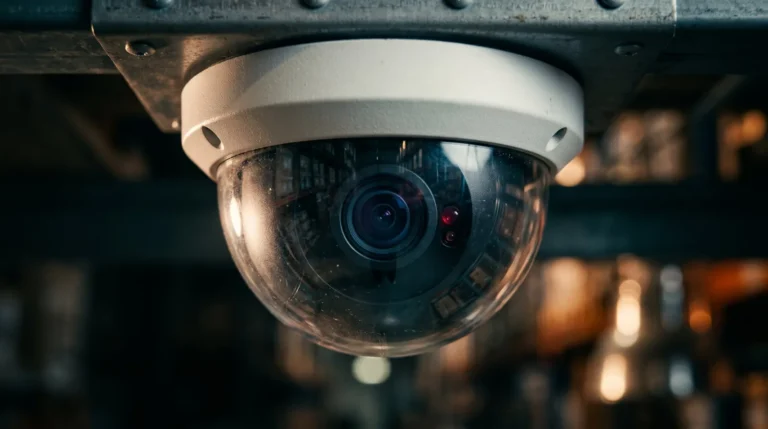
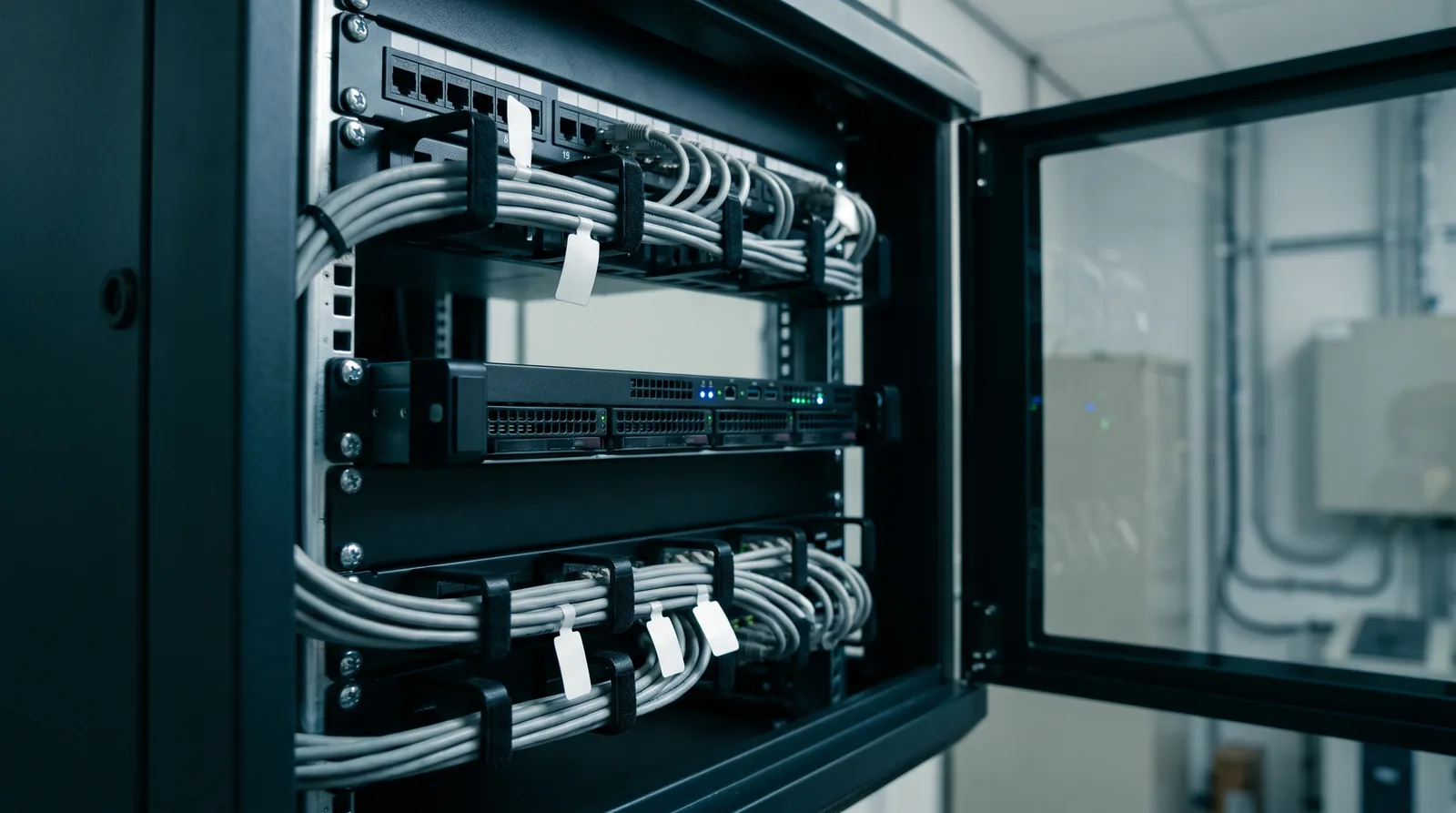
RTSP / ONVIF streams, all brands. No hardware replacement.
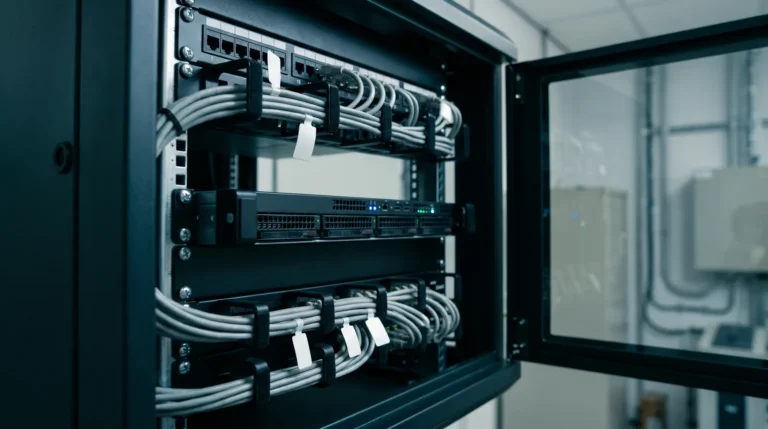
Real-time analysis, on site. No images stored, nothing sent to the cloud.
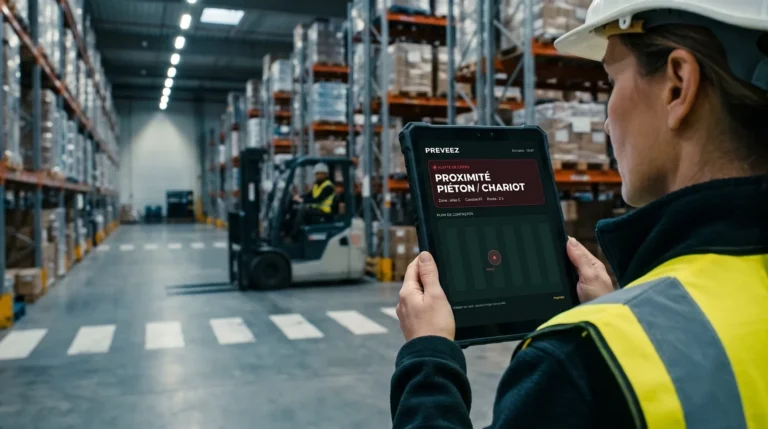
Radio, lone-worker device (PTI/DATI), supervision screen, depending on the zone.
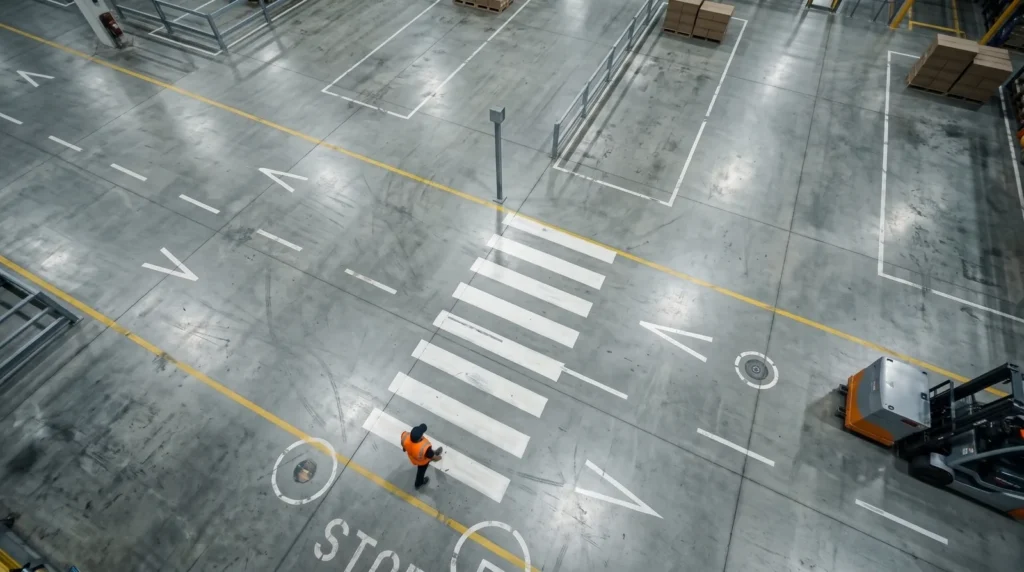 FORKLIFT 0.98
HARD HAT ✓ VEST ✓
VEHICLE · 2.1 m
No faces, no identities, no images stored. Analysis is performed on the stream, in real time.
A scene, objects, distances. Never a name.
The server detects vehicles, people and equipment, measures distances and confirms the situation before sending the alert. The stream is never recorded.
- Confirmation over several frames before every alert.
- Thresholds adjustable by zone and by time slot.
- Event history by zone, with no images or identities.
The dangerous situations Preveez spots.
Each detection is configured by zone and time slot. We show the status of every detection: available or in development.
Click a detection: the 3D scene shows on the right.
Available · 7
Pedestrian / vehicle proximity
AvailableForklift, pallet truck, construction vehicle: detected before contact.
Person on the ground
AvailableFall or sudden illness, confirmed over several frames before the alert. Demonstrated live at Préventica 2026.
Entry into a danger zone
AvailableLocked-out area, machine, dock during manoeuvres, battery charging room.
Helmet and vest
AvailableWearing checked from a distance in areas where it is mandatory. Demonstrated live at Préventica 2026.
Smoke: early warning
AvailableEarly warning and visual verification, in addition to fire detectors, never instead of them.
Badly stored pallets
AvailablePallet overhanging a rack, measured against the racking layout, or left on the floor in an aisle.
Blocked emergency exit
AvailablePallet or trolley left in front of an exit: flagged until the way is cleared.
In development · 5
Safety glasses, gloves, shoes
In developmentClose-range check at defined workstations.
Wrong-way traffic
In developmentVehicle driving the wrong way down a marked aisle.
Excessive speed
In developmentForklift or vehicle going too fast in a shared area.
Object in a traffic lane
In developmentParcel, baggage or fallen object in a traffic lane.
Working at height
In developmentHarness worn and clipped on in an aerial platform.
On request · 1
Custom modules
On requestVehicle blind spot, equipment or a situation specific to one site.

The alert goes to the person who can act.
Team leader, forklift driver, first aider: each receives the alerts for their zone, on the device they already carry.
Lone-worker device and camera: how they complement each other →
What the software does not do.
It is the first question from employees and the works council (CSE). The answer lies in the architecture, not in a setting.
It does not identify anyone
No face, no silhouette, no gait.
It does not record anything
Images are analysed in real time, then discarded.
It does not send anything off site
Processing stays on the site's server.
It does not rate employees
Reports cover zones and situations.

Mounting, connection and on-site tuning, by installers trained on Preveez.
It works with the equipment you already have.
RTSP, ONVIF
● AvailableEvent markers sent to your recorder, with no image on the Preveez side
● PlannedWebhook, MQTT, email
● PlannedDMR, TETRA, private 4G/5G
● Being validatedVisual confirmation of an alarm
● Being validatedBefore installing, we study your site.
The audit is carried out by our AI vision engineering team for occupational risk prevention, with an HSE manager. It sets the rules Preveez will apply, camera by camera and device by device.
Paid audit, deducted from your order if you go ahead. The demonstration on your cameras remains free.
- Your camera surveyAngle, lighting and image density checked for each zone. What can be used as is, what needs adding.
- The risk zone mapCo-activity, docks, exits, charging areas: where risk concentrates and when.
- The alert rulesFor each zone: which situation, which severity level, which recipient, on which device.
- A report you keepUseful for your risk assessment document, even if you don't choose Preveez.
What you need to install it.
The site visit validates each point before the pilot.
| Cameras | RTSP or ONVIF streams accessible from the site network. Angle and quality checked during the audit. |
|---|---|
| Server | A branded server, installed on site and sold to you: you keep it. The number of cameras per server depends on the detections chosen; it is set during the audit. |
| Network | A dedicated VLAN, flows approved by your IT department. Analysis is local; only alert metadata leaves the site, through an encrypted tunnel. |
| Updates | Remote, as signed releases, tested before activation. The model never learns from your images. |
| Pilot | Setup in two weeks at most, then 30 days of evaluation on one or two zones. |
| Alerts | Connection to the radio network, lone-worker devices or supervision, defined zone by zone. |
| For employees | Nothing to wear or install. Employees and the works council (CSE) are informed before the pilot. |