
AI vision · on-site processing Request a demo
AI vision · workplace accident prevention

Anticipate risk.Protect your teams.

Your current camerasAnalysis 100% on site0 images storedFrench AI

Preveez is AI software that connects to your existing cameras. It spots dangerous situations in real time and immediately alerts the person who can act, before the accident. Everything stays on your site, no image is stored.

Designed and built in France by JLF Digital, AI vision engineering applied to prevention. About us →

01Your current camerasToutes marques, sans en changer
02Analysis on your siteNo image goes to the cloud
03Alert in the right placeBeacon, siren, radio, smartphone
04Zone-by-zone deploymentWe start with a pilot
The setup

Three elements. One reflex: prevention.

Nothing to replace: Preveez adds intelligence between what you already have.

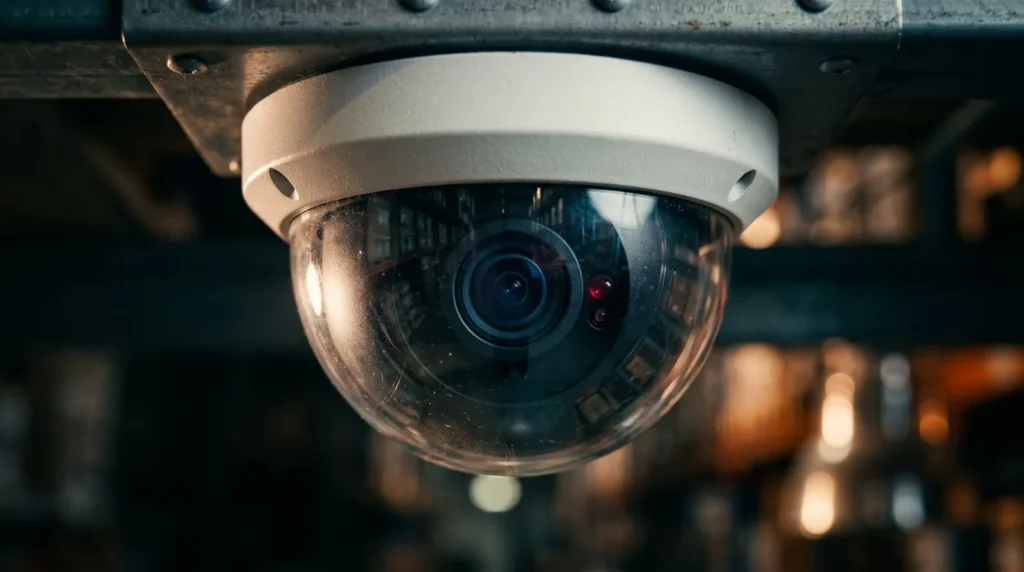
Dome camera mounted under a warehouse beam.
01 · On your premises

Your cameras

The ones already installed, any brand. Nothing to replace.
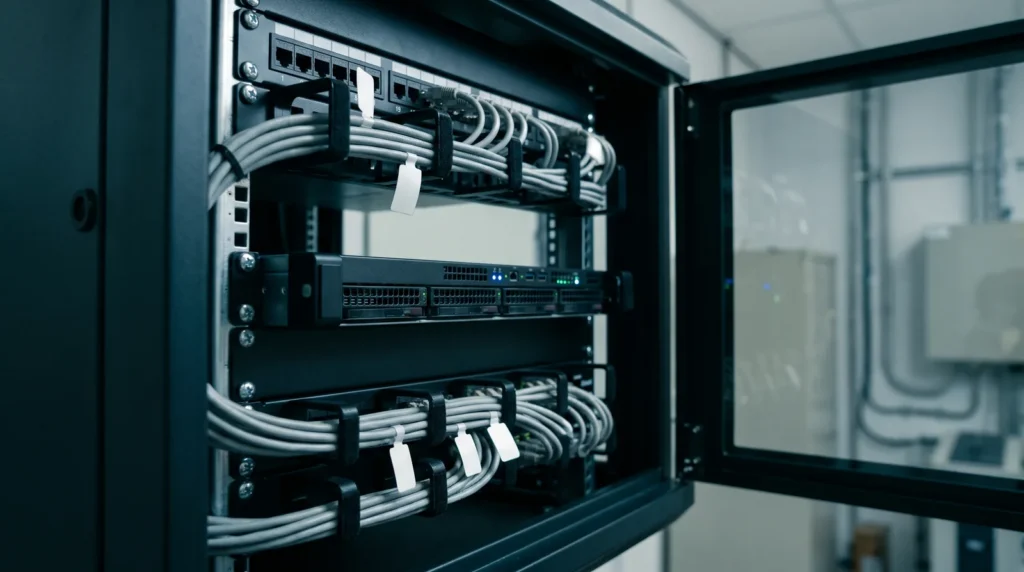
On-site network rack: the Preveez server installed at the customer's.
02 · On your premises

The Preveez server

Installed on your site, it analyses the streams continuously. No image leaves.

Team leader receiving the “Pedestrian / forklift proximity” alert on her tablet, the forklift in the background.
03 · In the field

Your field alerts

The alert reaches your teams wherever they can see or hear it: beacon, siren, radio, tablet, smartphone.

Demo · Préventica 2026

Preveez in action, in ninety seconds.

The video shown on our stand at Préventica: a dangerous situation, its detection, the alert sent to the field.
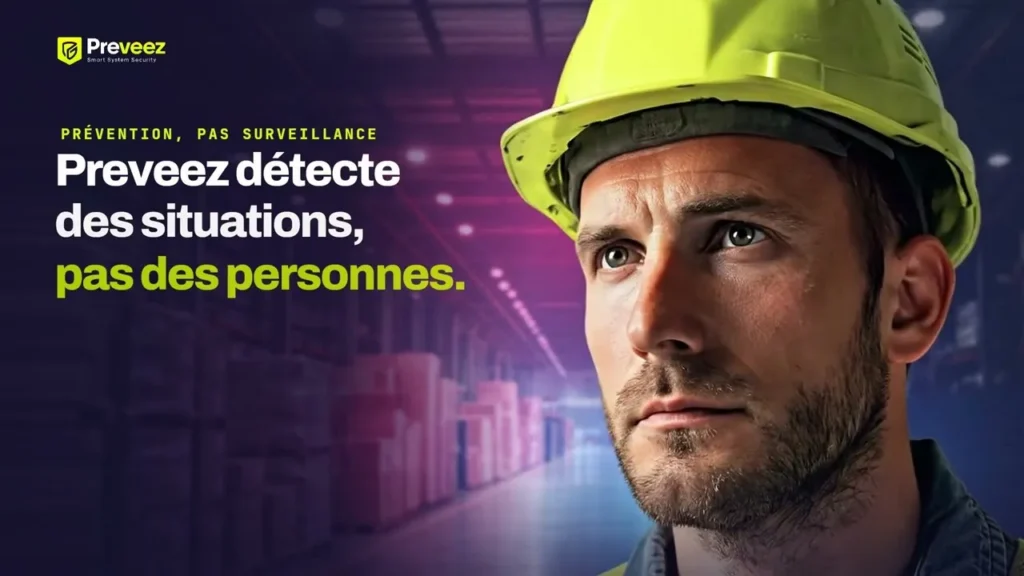
Preveez demo video: a worker in a helmet, “Preveez detects situations, not people”.Watch the video
Industries

For every site where people and vehicles cross paths.

Warehouses, plants, docks, depots: every site has its own risks. Preveez adapts to yours, not the other way round.

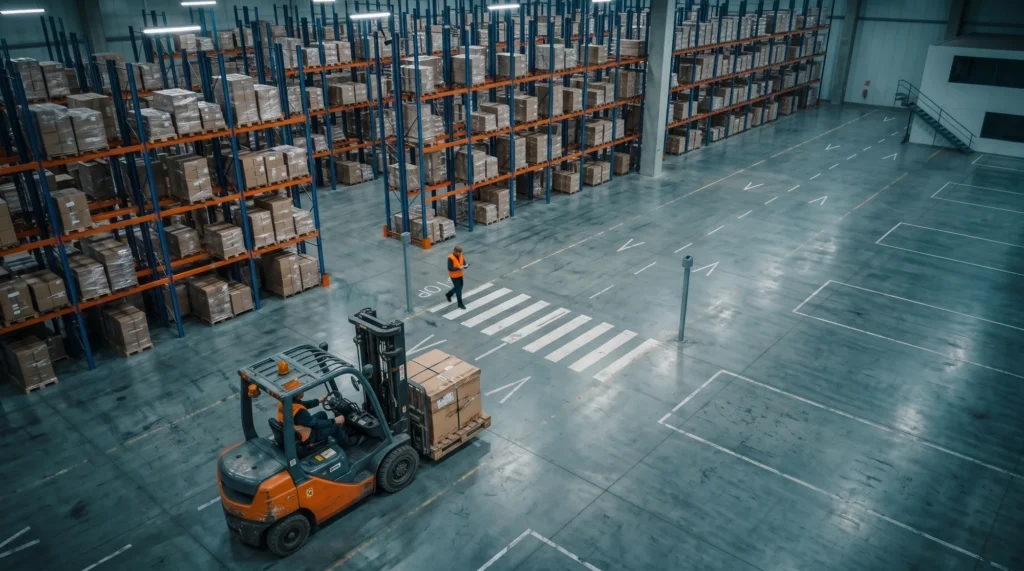
Warehouses, distribution centres, loading docks
Sites

Warehouses, distribution centres, loading docks

What Preveez detects

Pedestrian/forklift traffic, falls, misplaced pallets, blocked emergency exits

See the logistics page →

How it works

How it works: detect, confirm, alert.

A server installed on your premises continuously analyses your camera images. The alert goes out in about one second. No image leaves the site.

01

Detect

Pedestrian too close to a vehicle, person on the ground, missing hard hat, entry into a danger zone.

02

Confirm

A single detection can be misleading. Preveez checks it over several frames before alerting.

03

Alert

The alert goes to the person who can act, on their radio or lone-worker device, with the zone concerned.

Prevention, not surveillance

Preveez spots situations, not people.

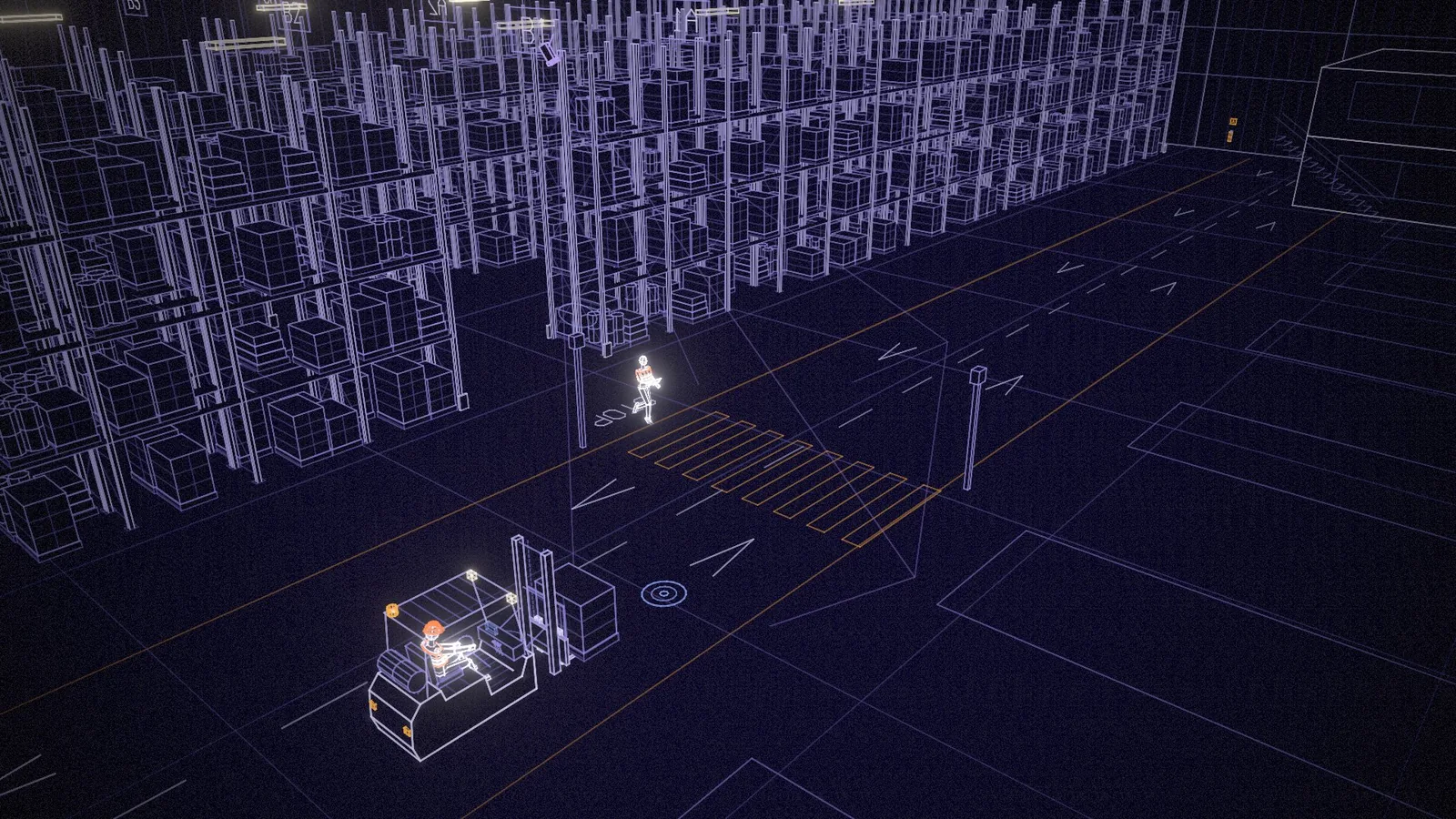
The software recognises no one: it sees shapes, distances and zones, never a face or a name. It is built this way from the start, to reassure your teams, your works council and your DPO.

  • No identification: no face, no silhouette, no gait.
  • No images recorded, real-time analysis on site.
  • A file ready for your works council (CSE) and your DPO.

← Drag to compare

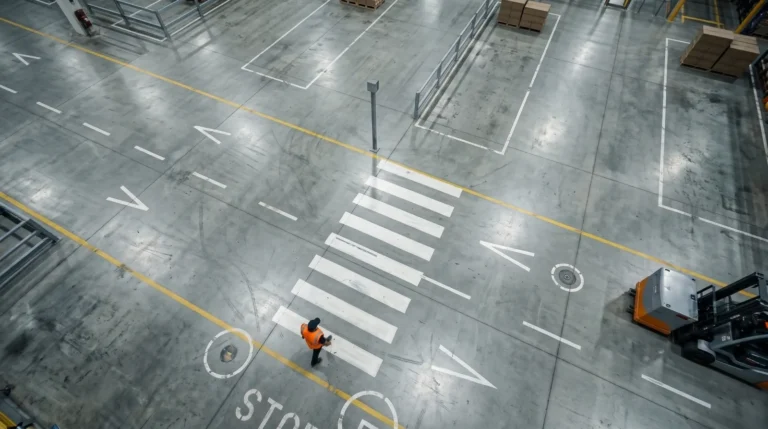
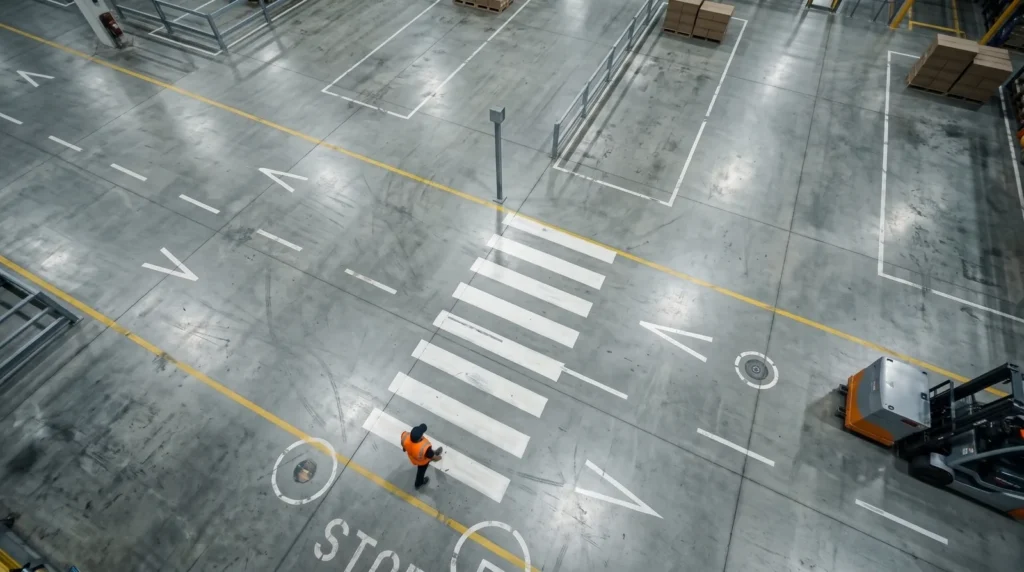
Warehouse seen by a camera: a forklift and a pedestrian near a crossing, original image.
THE CAMERA STREAMWHAT PREVEEZ PROCESSES
Team leader receiving a Preveez alert on her tablet, in a warehouse aisle.
RADIO · ZONE 3
“Person on the ground, dock 3”
Field alerts

The alert reaches the radio of the person who can act.

A team leader is not in front of a screen. Preveez complements lone-worker devices (PTI/DATI) and uses the radio network already in place.

Lone-worker device and camera: how they complement each other →
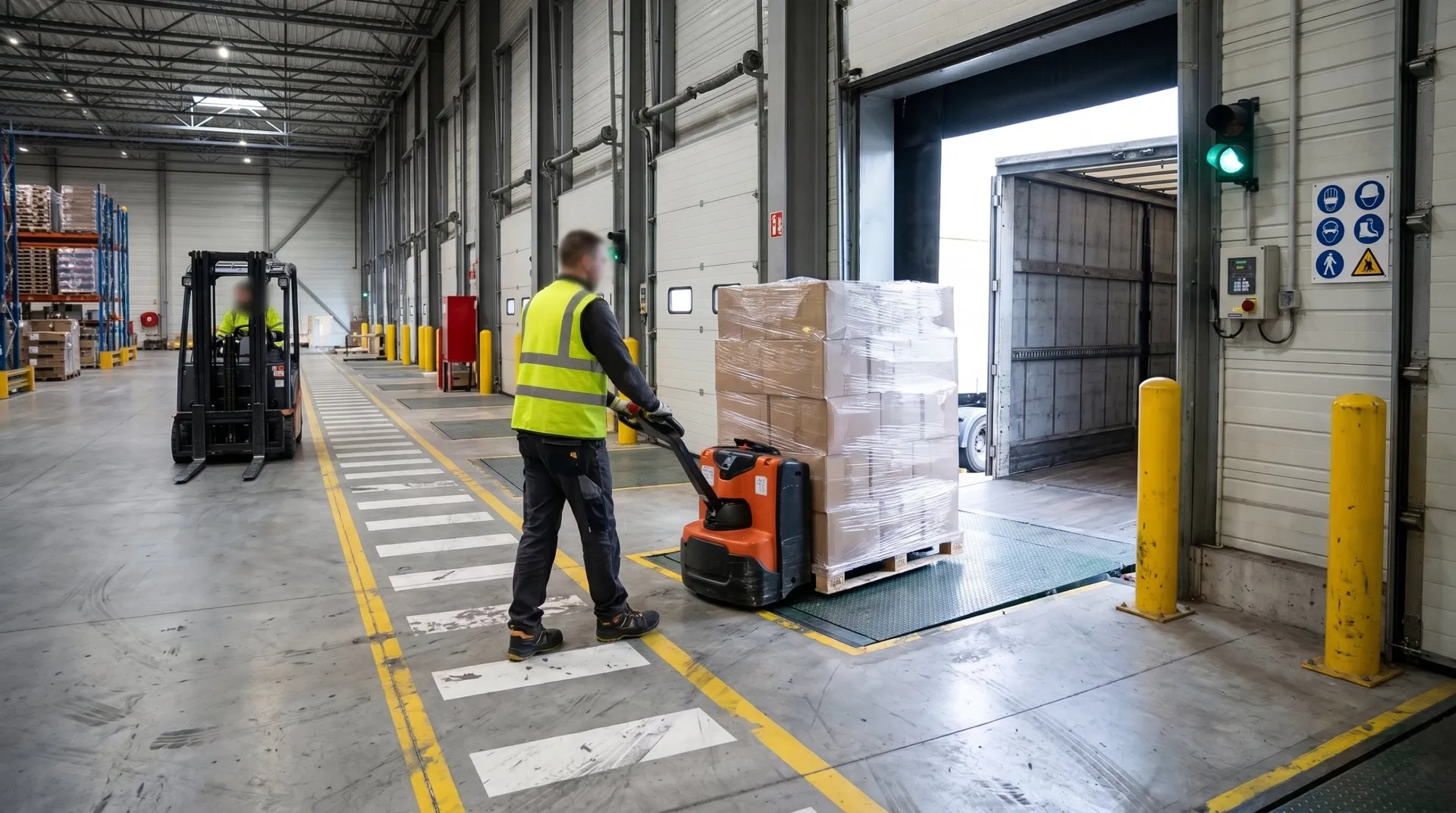
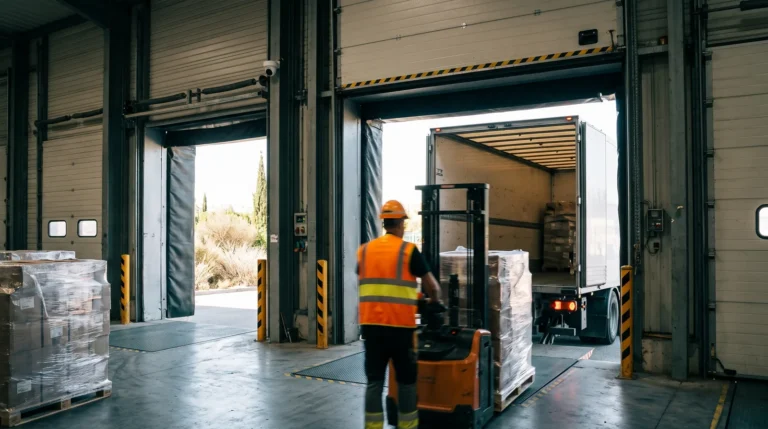
Loading dock seen from inside: an operator moves a pallet, a forklift driver waits his turn. Faces blurred.
On your sites

The cameras are already there. Preveez puts them to work for prevention.

Deployment

We start with one zone. We measure. We expand when you are convinced.

01 · Demo

On your cameras

A free demonstration, on your own footage.

02 · Audit

Prevention and camera audit

Risk zones, cameras, alert rules: a report you keep. Paid, deducted if you go ahead.

03 · Pilot

A test zone

Setup, tuning and team training on a representative zone.

04 · Extension

Zone by zone

According to the priorities set with your HSE manager.

Resources

What an HSE manager wants to know before getting started.

All resources →

Article

Workplace accidents: what the 2024 and 2025 figures say

Prevention · 8 min
COMING SOON
Guide

Presenting an AI vision project to your works council (CSE)

Legal · 12 pages
COMING SOON
Article

Pedestrian–forklift interaction: what the INRS recommendations say

Prevention · 6 min
Take action

See Preveez on your own streams.

A demo on your cameras, your risk zones and your priorities, followed by a pilot zone proposal.
04 22 57 01 32Request a demo →